The commander's field manual
How to Play
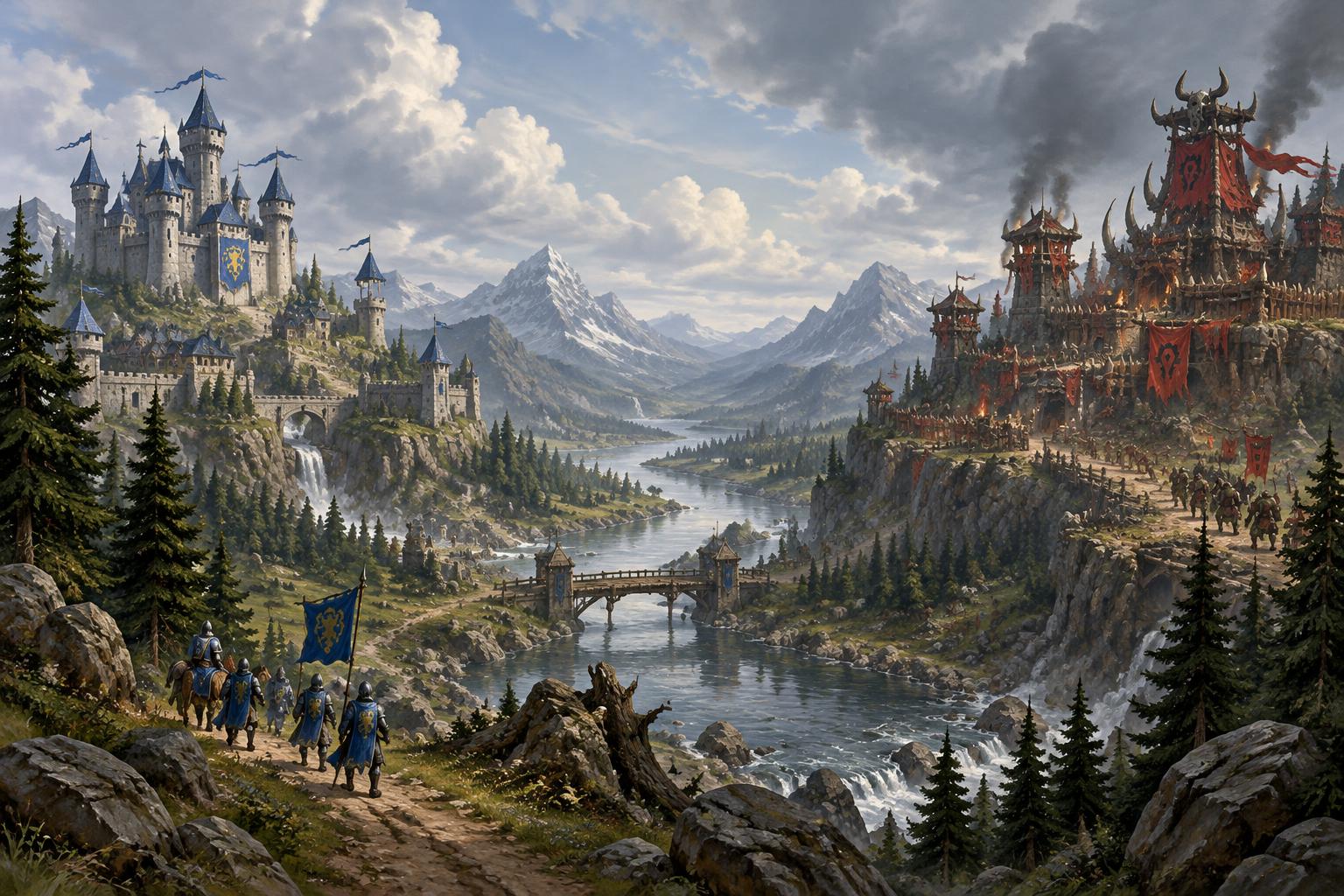
Build a settlement, keep your workers busy, and lead an army to victory. Knights, Horde and Wilds share the same fundamentals, with their own names and appearances.
Your first battle
- 1.
Start small
Choose Skirmish, one Easy opponent and a Small battlefield. Campaign missions have their own objectives—read the briefing before you begin.
- 2.
Put workers to work
Select a worker and right-click a gold mine. Send others to trees for lumber and to grey boulders for stone. Workers return their loads to a town hall automatically.
- 3.
Grow your settlement
Select your hall to train more workers. Use a worker's Build choices to place a farm and a barracks on explored, clear ground, then right-click the finished farm with a worker or two to start growing food.
- 4.
Raise an army
Select your barracks and train soldiers and archers. Every new unit costs a little food, so keep your farms worked; leave some workers gathering every resource.
- 5.
Scout and prepare
Find the enemy with a small force. Protect your workers, research upgrades, and reinforce before committing your whole army.
- 6.
Take the fight to them
Select your troops, press A and click toward the enemy for attack-move. Keep ranged troops behind your frontline and bring siege against defenses.
Essential controls
- Left-click / drag
- Select a unit or building; drag a box around your army.
- Shift-click
- Add units to your selection.
- Double-click a unit
- Select your units of the same kind on screen.
- Right-click
- Move, attack an enemy, gather a resource or repair your building.
- Middle drag / arrow keys
- Move the camera. Clicking the minimap also moves your view.
- Mouse wheel
- Zoom in or out.
- A, then click
- Attack-move: travel to a point and fight enemies along the way.
- H / S / P
- Hold position / stop / patrol.
- Ctrl + 1–9 / 1–9
- Save a selected group / select that group. Tap its number twice to find it.
- B
- Open the worker's building choices.
- Esc
- Cancel a building placement or targeting command.
- Space
- Jump to the latest battle alert.
- F10 / ?
- Menu and sound settings / in-battle hotkey reference.
Training and spell hotkeys depend on the selected unit or building. Open the in-battle hotkey reference for the full list.
Keep your settlement working
Gold, lumber, stone and food
Gold and lumber pay for troops, buildings and research. Stone comes from boulders scattered around the map; town halls, barracks, blacksmiths, aviaries, towers, walls, gates, hall upgrades, tower research, knights and catapults all need it, so keep a worker or two quarrying. Boulders crumble away once emptied. Food is grown on farms: a farm only produces while peasants work it (up to two each), and they carry the harvest to a hall. Farms never run out. Each new unit costs food once—1 for a worker, 2 for footmen and archers, 3 for knights and mages, 4 for catapults and gryphon riders—with no upkeep afterwards. Each unit also takes up that many places in your army limit, so a catapult fills 4 places and a worker 1. Your army size limit comes from halls: 40 per hall, 60 once upgraded, 80 when fully upgraded.
Workers and expansion
Use the Idle worker button to find workers without jobs. Mines eventually run out—send those workers to another mine. Protect your gathering routes and build another hall when you expand.
Building and repair
Select a worker, choose a building and click a valid spot. Right-click an unfinished or damaged friendly building with a worker to help build or repair it. Walls need gates to let ground troops through.
Training and rally points
Select a production building to queue troops. Right-click the ground with the building selected to set its rally point. New troops head there after training.
Queues and refunds
Waiting troops and upgrades can be removed from the queue for a full refund of everything paid. Once an item starts, it cannot be unqueued this way.
Upgrades and spare troops
Upgrade your hall to unlock stronger troops and a larger army limit; research in the appropriate buildings to improve your army. Weapons and armor come from the blacksmith; a magic sanctum strengthens mages and healers and teaches them new spells: Lightning for mages, and Haste and Stone skin for healers. Mages and healers cast their spells on their own when a good target is in range, and you can still cast any spell yourself. The sanctum and aviary can be built right away. In all three buildings, the later research levels need a Keep and then a Castle. The aviary offers the longest and slowest path—armor, speed and attack for flyers—since gryphon riders start out modest. Each research level costs more and takes longer than the last, so pick the path that suits your army and commit to it rather than trying to research everything. Select unused troops and choose Dismiss to free army places—dismissal is permanent and gives no refund.
Command an army
Move versus attack-move
Right-click open ground to move. Attack-move lets troops engage enemies en route. Right-click a specific enemy to focus your attack on that target.
Mix your troops
Melee troops hold the frontline; archers support from behind. Healers sustain your force, spellcasters disrupt enemies, and siege weapons break buildings from a distance.
Defend your economy
An army needs income. Protect your workers and mines, keep reinforcements coming, and avoid sending every defender away at once. Towers help when enabled for the match.
Signature troops
Each side has one troop of its own, trained at the barracks with X. Knights field the Paladin (needs a Castle), a heavily armored warrior whose aura slowly heals wounded allies around him. The Horde fields the Berserker (needs a Keep), who attacks twice as fast once badly wounded. The Wilds field the Dryad (needs a Keep), whose thorn javelins slow the troops they hit and can strike flyers.
Shelter your peasants
Select peasants, choose Shelter (E), then click the tower (room for 2) or hall (room for 5) they should go into, or open ground for the nearest one. Pressing E twice also picks the nearest, and right-clicking one of your towers sends them straight in. Each one inside shoots its own arrows, so more peasants means more arrows: a tower keeps its own shot and adds theirs, and a hall shoots enemy troops within 5 tiles while anyone is inside. Select the building and choose Release (E) to send them back out. If the building falls they escape unharmed. Sheltered peasants still count toward your army limit.
Find your army
The Army button beside Idle selects all your troops and moves the view to them; click again to visit each group in turn. You are warned when a gold mine you are working is running low.
Winning the battle
Eliminate the opposing side's troops and buildings that can train troops; the last team standing wins. Afterwards, the results show battle highlights—your turning point, the biggest fight and your best unit—with a timeline of army size, workers and resources. Campaign missions may instead require survival, reaching a destination or another stated objective.
Read the battlefield
Fog and scouting
Your units reveal nearby ground. Dim explored areas are not live views of the enemy; remembered buildings may have changed. Allies share vision. Scout before advancing into unseen territory.
Water, cliffs and ramps
Ground troops cannot cross water or cliff faces. Use land routes and ramps, and defend narrow approaches. High ground helps in combat and vision; flying troops can bypass ground obstacles.
Air transports
Aviaries train a transport that carries up to 8 troops (not catapults). Select troops and right-click the transport to board, then press U and click where to drop them off. If it is shot down, everyone aboard is lost.
Mines, villages and camps
Yellow minimap markers are gold mines. Villages and mercenary camps use distinct markers. When present, hold them with nearby troops and keep enemies away: villages provide income; camps can grant reinforcements.
Settings and multiplayer
Open the menu to adjust voices, action sounds, music and ambience independently. Your mix affects only you. The battle keeps running in multiplayer while you open menus or confirmations.
Game modes
Classic
Build your kingdom, raise an army, and defeat your enemies. The last surviving team wins.
Arms Race
Build your empire in peace, then unleash your armies. No enemy damage or offensive spells during peace. Scouting is allowed, but enemy base access stays protected.
Siege
Destroy the fortress before time runs out—or defend it. Attackers must destroy every designated fortress before the deadline; replacement halls do not replace the objective.
Gold Rush
Build faster, gather more, and get straight into the action. Economic and production speed increase; combat statistics remain unchanged.
King of the Hill
Hold the central ground to claim victory. Only ground military units capture; contested ground stops scoring and control time accumulates.
Regicide
Protect your Commander. Eliminate theirs. Your irreplaceable Commander must survive. All allied Commanders must fall before your team is defeated.
Stronghold
Unite your armies against a fortified computer stronghold. Cooperate against the fortified computer team.
Survival
Defend your kingdoms against increasingly powerful waves. Protect your starting halls and clear the final wave to win. Endless tracks completed waves and survival time.
Modifiers can reveal terrain, accelerate gathering or training, limit halls, or stop gathering after a deadline. Enemy movement remains hidden in explored terrain. New modes and modified matches are unranked. Online rematches require players to join fresh seats; Siege can switch sides. Fast and Turbo accelerate battle time for everyone.